

Learn how to use Pulse AI to generate descriptions of your images in Notes and Alerts, automatically!
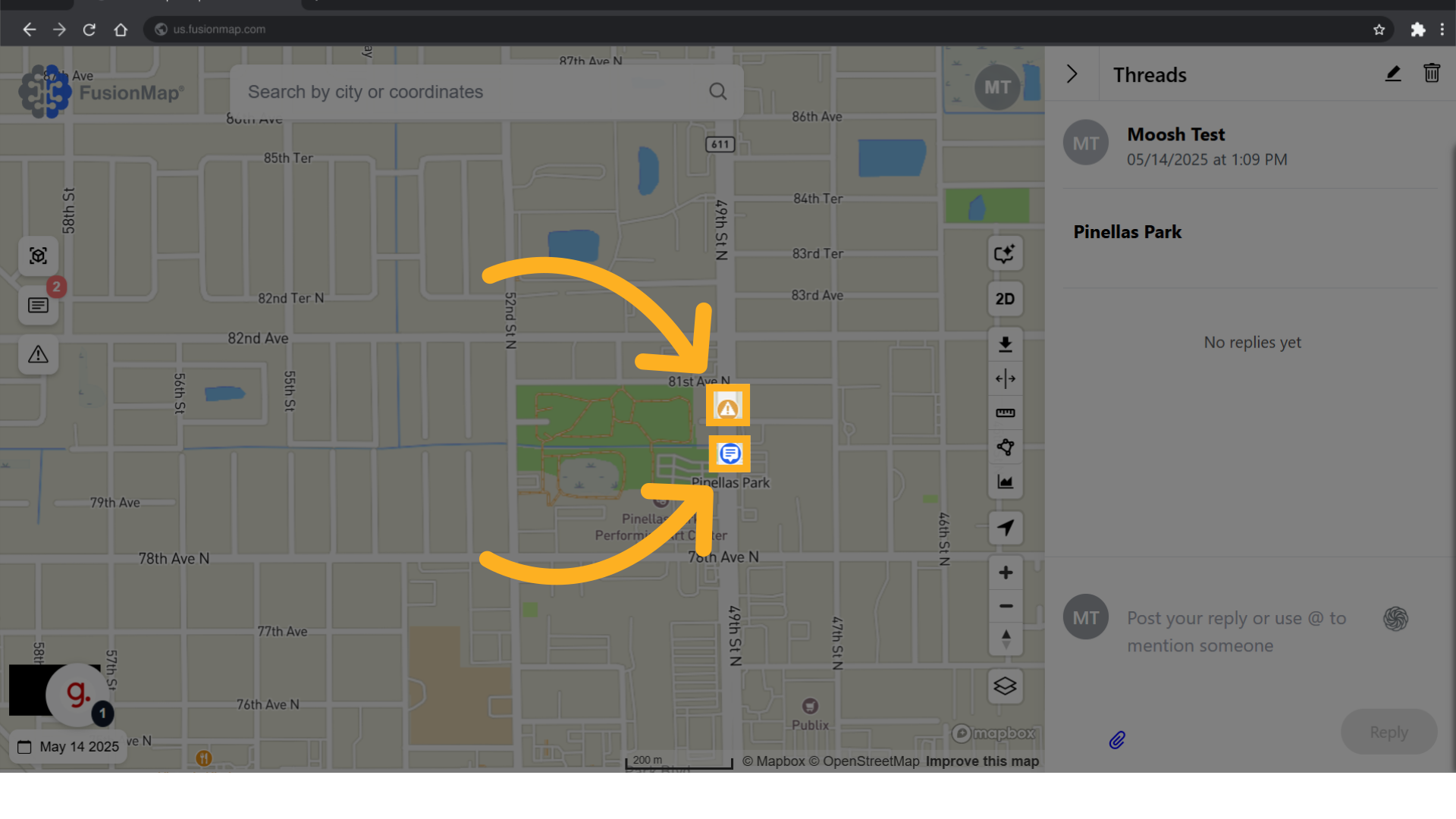
1. Click on a note or alert #
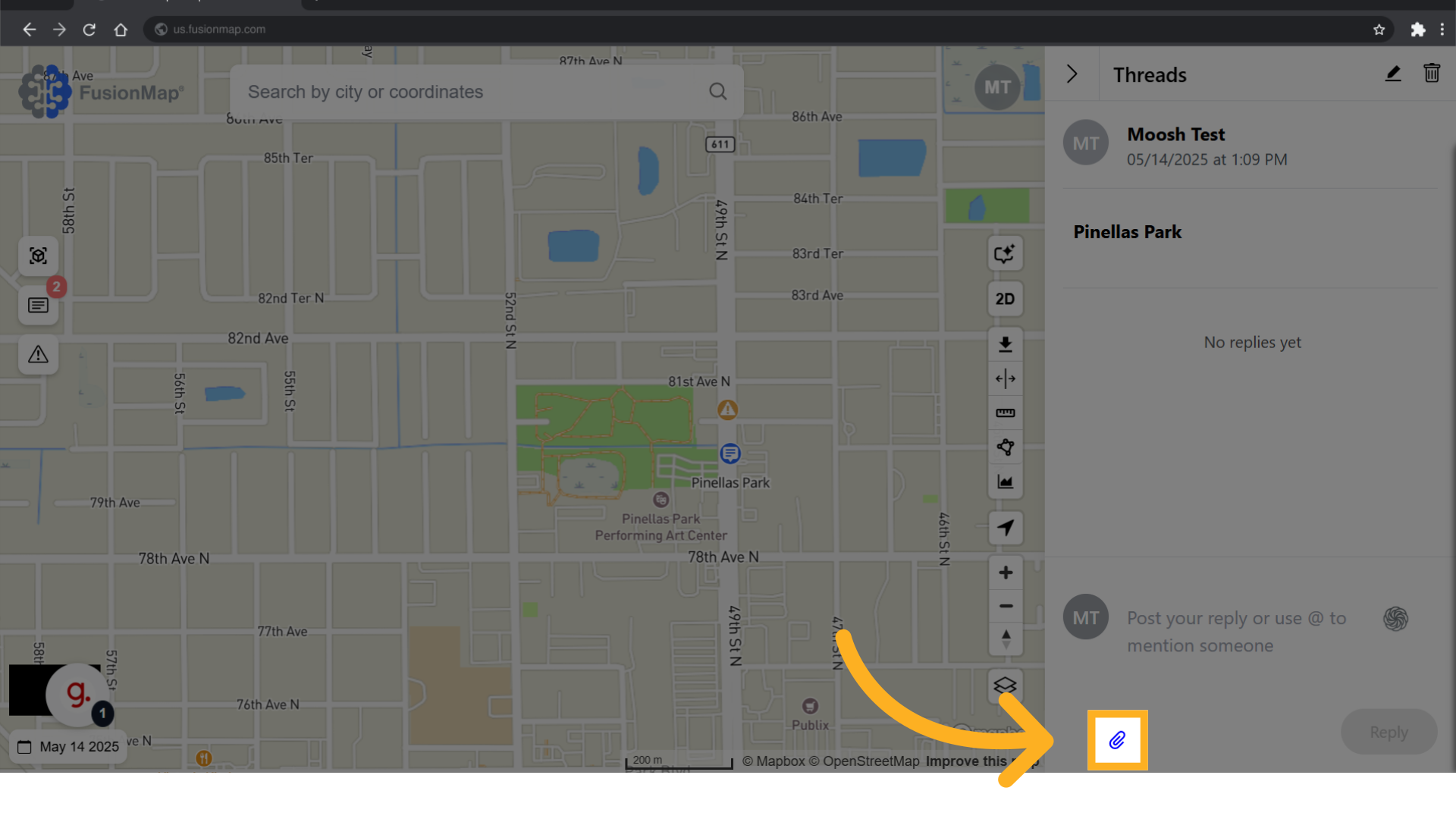
2. Attach an image #
Attach a relevant image to the thread.
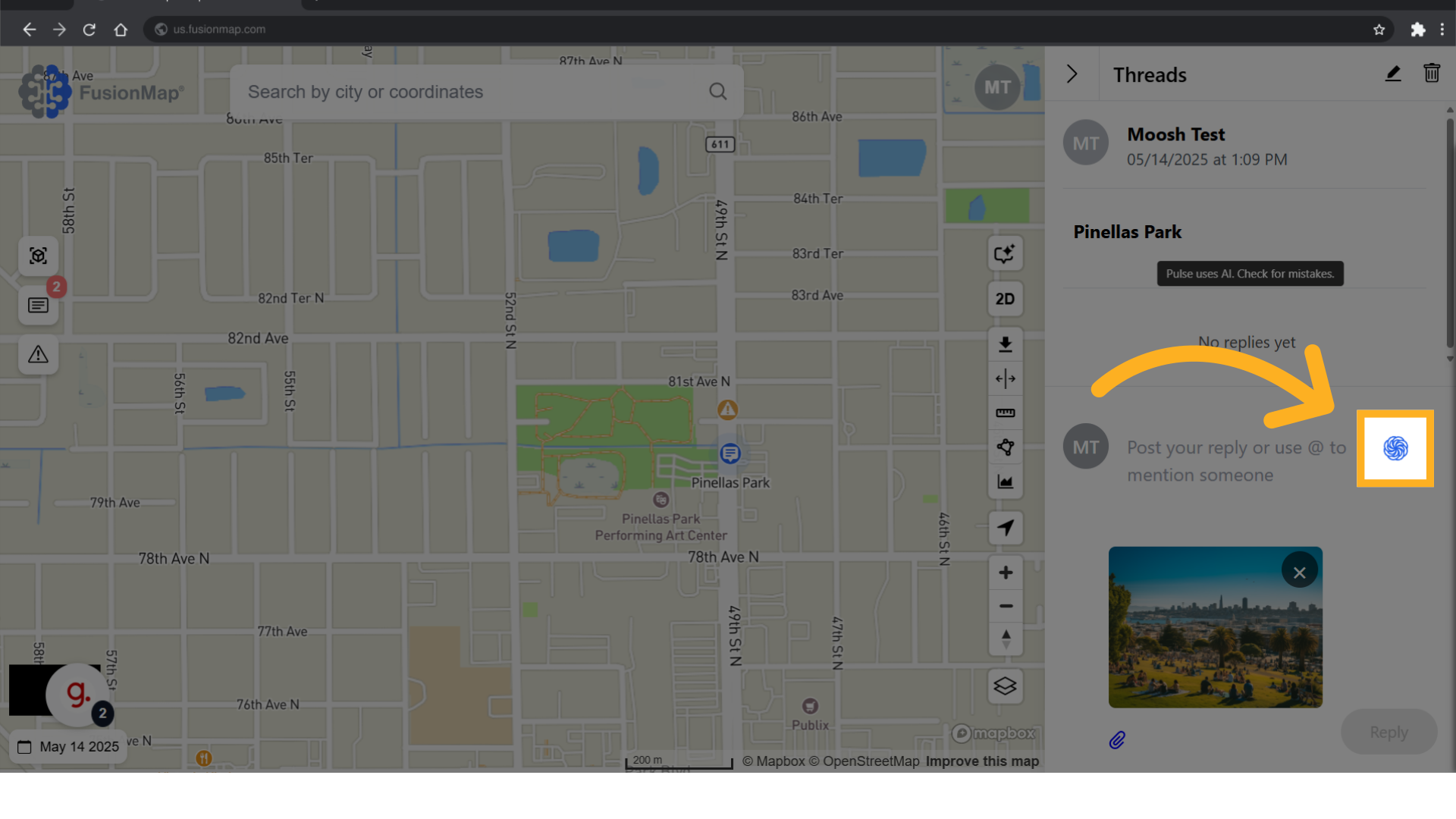
3. Click the Pulse AI button #
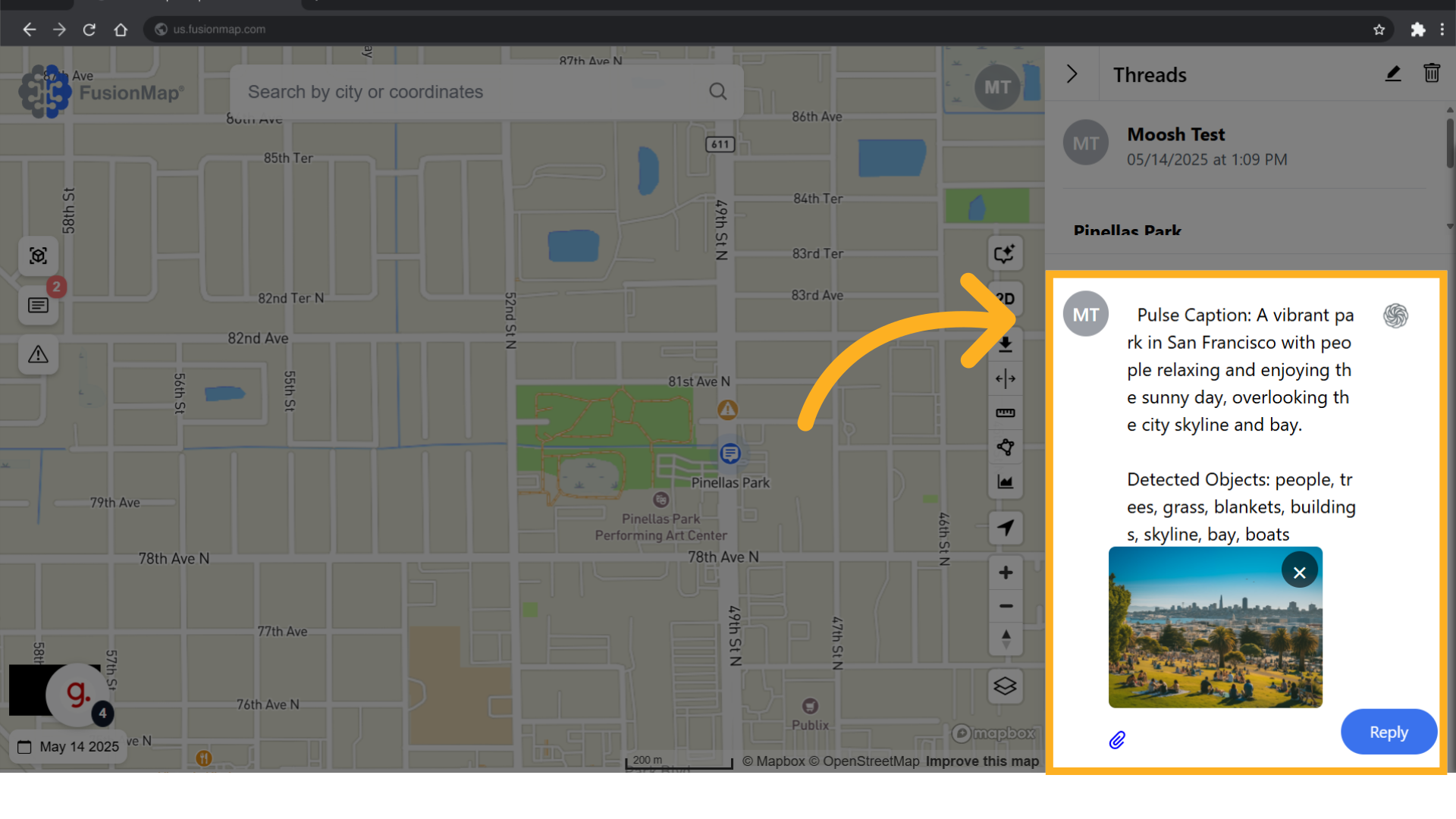
4. Pulse generates a description #
Once Pulse has generated a description, make any required changes.
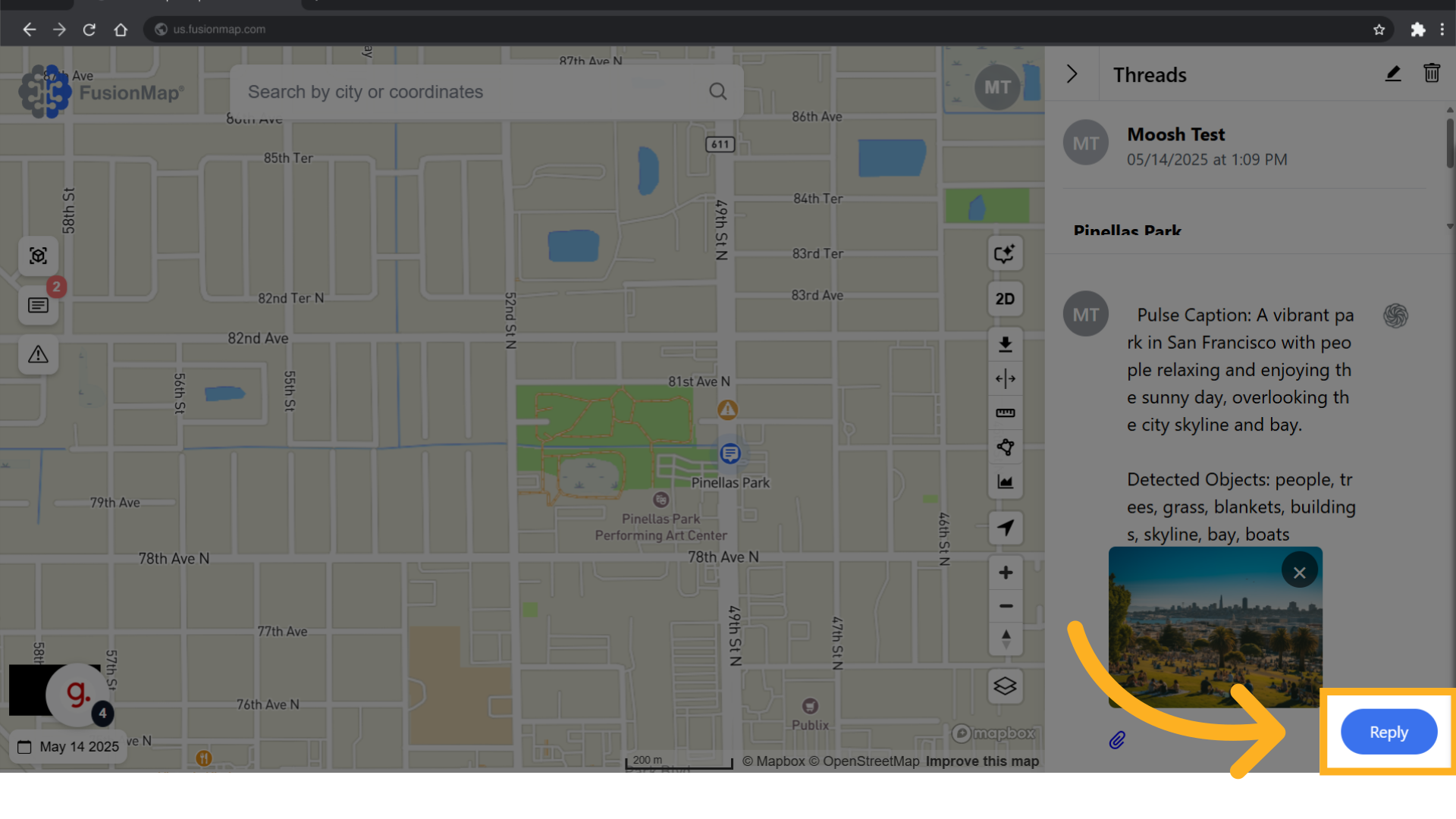
5. Click “Reply” #
This guide walks the user through the usage of Pulse AI in notes and alerts.